
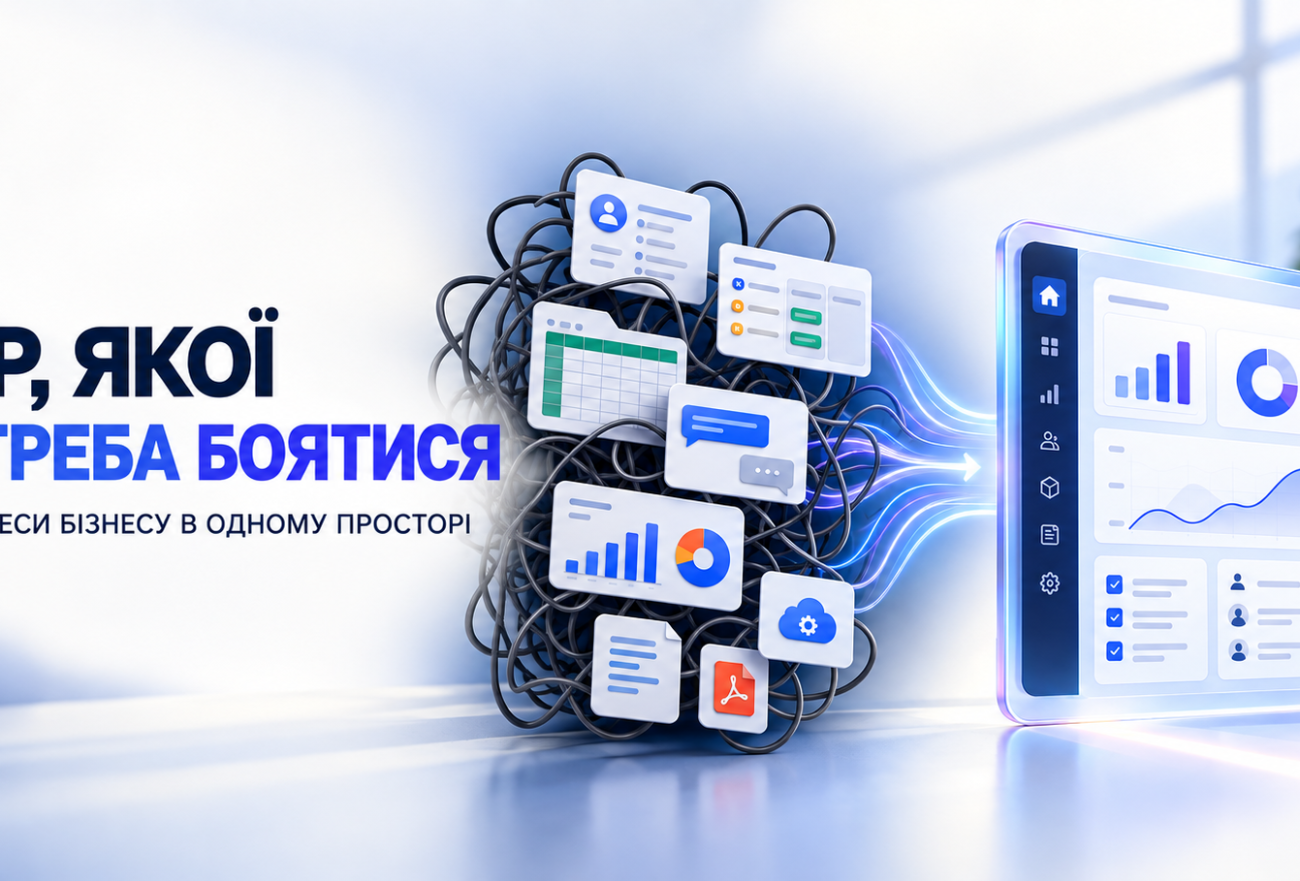
When CRM, Tasks, and Finance Operate Independently: A Review of if.team for B2B and Service Businesses
ERP is often associated with a complex system that takes months to implement, requires extensive configuration, and must be explained to the team. Because of this, small and medium-sized businesses put off comprehensive automation and opt for individual tools: CRM for sales, a task manager for tasks, spreadsheets for finances, cloud storage for documents, and messaging apps for approvals.
At first glance, it seems simpler. But as the company grows, gaps begin to appear between these tools:
- The manager sees the sales figures but doesn’t know the actual status of the project;
- The project manager oversees the tasks but doesn’t always see the payments and expenses;
- A financial specialist knows the flow of funds but cannot quickly determine the profitability of a specific client;
- Employees’ hours are tracked separately from the budget;
- Important discussions take place in private chat rooms;
- The final report has to be compiled manually from several sources.
In fact, the company is still building its own ERP system, but one made up of separate services, spreadsheets, and integrations. This is exactly the problem that if.team solves—a system that brings together client management, project management, team management, and financial management all in one environment.
What is if.team?
if.team can be described as an ERP system; however, for service- and project-based businesses, the term PSA—Professional Services Automation—is a more accurate description.
A typical CRM system primarily answers the following questions: Who is our customer? What stage is the deal in? And what needs to be done to close the sale?
The task manager shows: who is responsible for what, and by when?
The financial system shows: how much money was received and spent?
PSA brings these levels together and helps answer the key management question: Was the work for this client truly profitable, taking into account the team’s time, salaries, contractors, and other expenses?
At if.team, a single process can go all the way:
lead -> client -> commercial proposal -> project -> Stages and Objectives -> Team hours -> Expenses and Payments -> financial result.
This is the main difference from a collection of separate programs. The data isn’t just stored side by side; it’s interconnected.
Who is if.team best suited for?
The system can be most beneficial to companies that sell not just typical goods from a warehouse, but rather the work of a team, expertise, or the implementation of a project:
- marketing and digital agencies;
- web studios and IT companies;
- an architecture and design firm;
- consulting and law firms;
- engineering and B2B companies;
- event agencies and production studios;
- civic and charitable organizations;
- other service companies with their teams, clients, and concurrent projects.
This solution becomes particularly relevant when a business owner can no longer keep track of all the agreements in their head, and has to consult several employees just to answer a simple question about a project’s profitability.
What Has Already Been Implemented in if.team
CRM and Customer Relations
In the system, you can manage leads, contacts, and companies; keep a history of interactions; and link a client to their proposals, tasks, documents, and projects.
This is important for B2B because a single client may have multiple points of contact, various projects, follow-up requests, and a lengthy decision-making process. Information isn’t limited to a manager’s personal correspondence.
Commercial Proposals and the Transition to Implementation
Commercial proposals can be created based on the catalog of products and services. Once approved, the sale remains linked to ongoing work: the proposal can be linked to the project and financial records.
For the company, this means less manual data entry and a lower risk that the team will end up implementing something other than what was sold to the client.
Project and Task Management
A project in if.team brings together the team, tasks, phases, documents, budget, and financial metrics. For planning, you can use lists, Kanban, a calendar, a Gantt chart, and other views.
You can break down work into phases and iterations, assign responsibilities, set deadlines, use templates, and manage dependencies between different parts of the project.
Fixed Price and Time & Material
The system supports various models for working with clients:
- Fixed Price – the agreed-upon cost of the entire project or a specific phase;
- Time & Material —payment based on the actual time spent, in accordance with established rates.
This is important for agencies, developers, consultants, and law firms that may operate under different payment models at the same time.
Time Tracking and Actual Cost
Employees can track time spent on specific tasks and projects. The hours are linked to internal labor costs and commercial rates.
As a result, the manager can see not only the number of tasks completed, but also how much time the team actually spent on the client. This helps identify projects that appear profitable based on the contract amount but lose margin due to additional revisions, delays, or an incorrectly estimated scope of work.
Project Budget and Actual Costs
Even before work begins, you can plan for expected revenue, salaries, and other expenses, as well as profitability and budget allocation. During implementation, the plan is compared with actual data.
This makes it possible to identify a problem not only after the project is completed, but while there is still time to address it: to adjust the allocation of resources, agree on additional work, or revise the timeline.
Management Finance
if.team integrates project metrics with the company’s cash flow. The system provides access to revenue, expenses, accounts, payroll, P&L, accounts receivable and accounts payable, and other management reports.
Integrations with PrivatBank, monobank, and PUMB are supported. Banking transactions can be linked to projects and business areas.
At the same time, management financial accounting should not automatically be equated with financial and tax accounting. Before implementation, it is necessary to determine separately which tasks will remain within the financial accounting system.
Team, Uploads, and Access
Within a single platform, you can configure your company’s structure, departments, job titles, work schedules, vacation time, roles, and access rights.
A manager can see the team’s workload and may be able to spot two equally dangerous situations early on: some specialists being overworked while others are idle.
Flexible access rights allow you to restrict access to financial, customer, or HR information based on an employee’s role.
Documents, Files, and Communication
Files, discussions, and decisions can be stored in connection with the relevant client or project. This reduces reliance on private chats and prevents situations where the company loses part of its communication history when an employee leaves.
Automation, Integration, and Customizations
For repetitive tasks, automations are available based on the “trigger-condition-action” logic. The system also integrates with popular banks, calendars, messaging apps, and productivity services.
If the standard features aren’t enough, custom functions and integrations, white-label options, and a dedicated server are available for tailored solutions. This is especially important for B2B companies that had previously considered developing their own in-house system.
How does this approach differ from Monday or Zoho?
Monday is a flexible workflow builder. Its main advantage is the ability to build various processes. But first, a company needs to define its own logic for boards, statuses, connections, automations, and reports.
Zoho offers a broad ecosystem of business applications. This provides a wide range of options, but requires an understanding of exactly which modules a company needs and how they should interact with one another.
if.team doesn’t start with a blank canvas or by choosing from dozens of separate apps. The basic logic of the service business is already in place: client, proposal, project, team, time, expenses, payments, and results.
Therefore, based on subjective impressions, the entry barrier may be lower for a design firm in particular. However, the final decision should not be based on the number of features listed in a promotional table, but rather after testing a single real-world use case.
A single system or a set of separate services
| Criterion | A set of individual services | if.team |
| Customer Information | In CRM and email correspondence | Related to Proposals and Projects |
| Objectives | In a separate task manager | Inside the project |
| Working Hours | A table or a separate tracker | Related to the task, the employee, and the budget |
| Finance | Bank, tables, separate service | Related to projects and areas of focus |
| Yield | Calculated manually | Project Budget and Actual Costs |
| Documents | Various folders and links | Integrated into the workflow |
| Reporting | A Synthesis of Several Sources | The data is generated in a single system |
| Specific processes | Integration or in-house development | Configuration and Customizations |
Who might not be a good fit for if.team
A comprehensive system isn’t always the best solution.
If a person works independently, has a few small projects, and doesn’t need to track a team or manage project finances, a spreadsheet, a calendar, and a simple task manager may be enough.
Before making a choice, you should also review the specific processes of your retail, manufacturing, or warehousing business. if.team is primarily geared toward service and project-based companies, so you shouldn’t automatically assume it can replace a specialized WMS, manufacturing system, or accounting software.
How to Properly Test a System in 7 Days
During the trial period, there’s no need to immediately migrate your entire customer base or overhaul the company’s operations. It’s better to choose one typical but realistic project.
1. Create a company structure
Add a few employees, roles, and basic access rights. Don’t try to set up all the exceptions right away.
2. Add a real customer
Create a contact, a company, and a test commercial proposal.
3. Turn the agreement into a project
Add milestones, tasks, responsible parties, deadlines, and documents.
4. Set up the economy
Specify whether you’re using the Fixed Price or Time & Material model, your projected revenue, team rates, and expected expenses.
5. Record your work
Let a few employees log their hours and update the statuses of their actual tasks.
6. Add payments and expenses
Check how they are linked to the project and how they appear in reports.
7. Answer the management questions
- Is it clear what stage the project is at?
- Can you see the team’s workload?
- Can the plan be compared with the actual results?
- Is the actual cost of goods sold clear?
- Has the need for separate tables decreased?
- Is the team ready to work according to this approach every day?
If the system helped answer these questions without manual data entry, the test was useful.
How much does if.team cost?
As of the time this overview was prepared, the following pricing plans are available for teams of various sizes:
| Rate | Team. | Monthly cost |
| Start | up to 3 participants | $15 |
| Basic | up to 10 participants | $49 |
| Standard | up to 25 participants | $119 |
| Pro | up to 50 participants | $219 |
| Premium | up to 100 participants | $399 |
| License | on an individual basis | custom price |
Some modules may require an additional fee. Before choosing a plan, you should check the current terms and conditions on the official website.
The greatest value of if.team isn’t that the system has many features. A list of features alone doesn’t create order.
More importantly, sales, execution, team performance, and financial results form a single, interconnected process. A manager can see not only employee activity or the balance in the account, but the full financial picture of each project. Personally, the features I value most are: a single client can be assigned different roles across different companies; there’s a built-in time tracker with various control options, eliminating the need for third-party add-ons; the ability to generate quotes from the product catalog directly from the admin panel and send them to the client, and, of course, servers in Germany—which is important to us now that data is being “sent everywhere.”
For a service or B2B company that has outgrown spreadsheets and a collection of unrelated programs, this can serve as an alternative to both a complex, traditional ERP implementation and the development of a custom in-house system. Access control is implemented in the same way as in the well-known Bitrix—so it will be easy to understand and customize to your needs without having to order unnecessary customizations, as is often the case with other CRMs.
The best way to test this is on an actual project. if.team offers a 7-day trial period with no credit card required:
Note from Maksym Myroshnyk: This is my affiliate link and a sincere recommendation.
Frequently Asked Questions
Чи може if.team замінити CRM?
For many service and project-based companies, the answer is yes. The system allows you to manage leads, contacts, companies, interaction history, proposals, and related projects. Before making the switch, it’s a good idea to review your specific sales scenarios and the necessary integrations.
Does if.team replace accounting software?
Not necessarily. The system covers project management, finance, and economics, but the need for accounting and tax reporting must be assessed separately in accordance with the company’s processes.
Is this system suitable for small businesses?
For example, if a business is already operating with a team, several clients, and multiple projects. For a single specialist with a small number of orders, a comprehensive system might be overkill.
Is it possible to work under the Fixed Price and Time & Material models?
Yes. The project type determines how the system forecasts revenue, tracks working hours, and calculates costs.
Are customizations available?
Yes. For a customized corporate solution, the platform offers custom features and integrations, white-label options, and the ability to use a dedicated server.
Is there a free trial period?
Yes. After signing up, you’ll have access to a 7-day trial with full access to the tools—no need to add a credit card.